Real store listing · independent assessment pending.

1.4 ★228 ratings
—Downloads
4+Age rating
39 MBApp size
FreeIn-app purchases
About this app
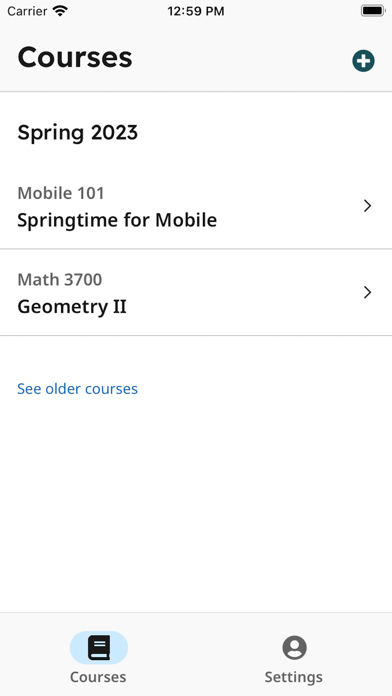
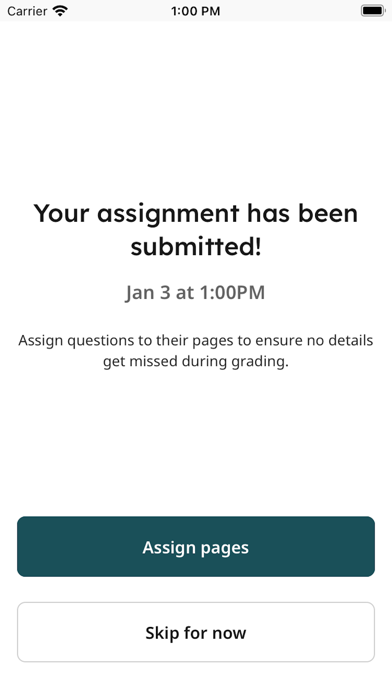
Students, upload your assignments to Gradescope more easily than ever before! If your instructor uses Gradescope for your assignments, you can now upload your submission with our mobile app.
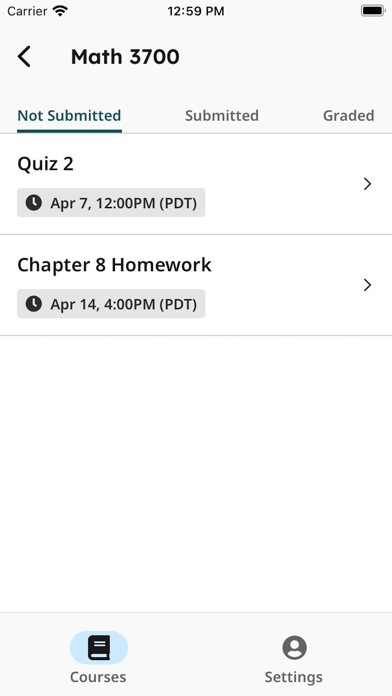
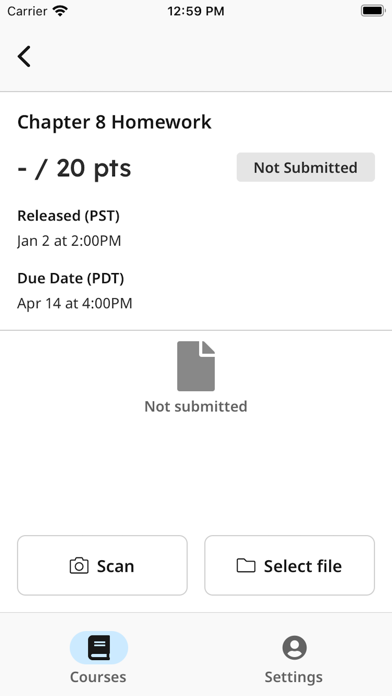
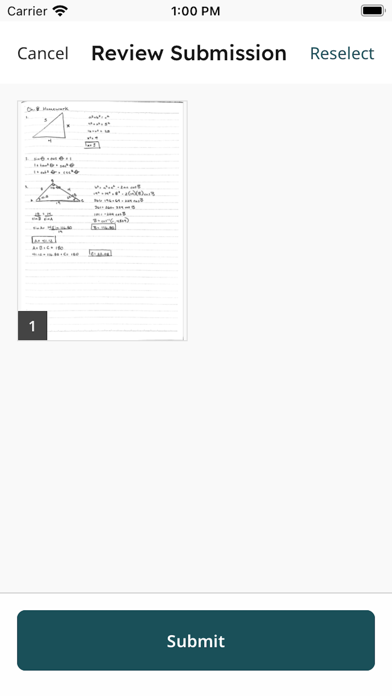
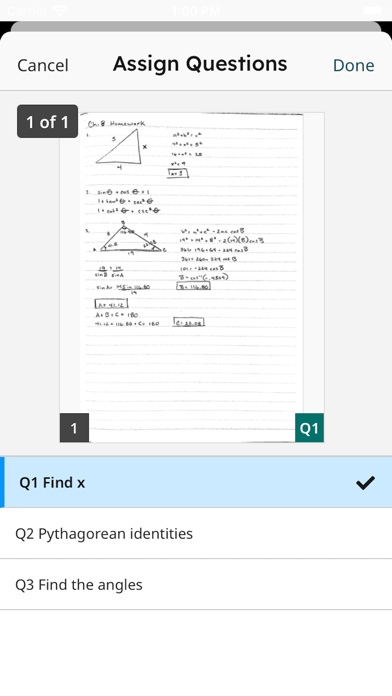
After installing and opening the app, login to see your Gradescope courses and assignments. To upload a submission, click on the assignment in the “Not Submitted” tab and either “Select File” to select an existing file from your device or “Scan” all pages of your completed work using your iPhone’s camera. Once you submit your file(s), for templated assignments, you’re all set. For variable-length assignments, “Assign pages” to indicate where your answer for each question appears within your submission. It’s that easy! After confirming, your assignment then moves to the “Submitted” tab. If needed, you can resubmit your assignment until the due date your instructor set has passed.…
Preview
Real screenshots from the store listing.
Independent evidence report
Evidence and review signals
This is where the page changes from an app-store listing into an evidence report: findings, important reviews, pricing and a dated history.
What we measured
Each line is a measurement published as a measurement, never a verdict.
Each line is a measurement, published as a measurement. Where we have not looked, the line says so rather than reading as a zero.
Developer replies to reviews
Not assessed
Fewer than 50 reviews scanned — too few to state a rate
Price in the store description
States no price and billing period
Cancelling, in the store description
Does not say how to cancel
Themes reported by reviewers
Not assessed
This app's reviews have not been assessed yet
Five-star share of ratings
Under 65% five-star
Arithmetic on the stores' own published rating counts. It says nothing about why the ratings fall where they do.
In the package we scanned
No package has been scanned for this app, so nothing is published about what it ships. That is an absence of evidence about the app, not a finding about it.
Graded bands · predicate set 1.4 · how these are measured
What the analysis found
App-specific findings, grouped by what each one rests on. How they are graded lives on its own page.
No review themes cleared the reporting threshold.
Assessment & version history
App changes and Appworthy events in one timeline.
What this app sells
Useful store-disclosed pricing, kept below the app listing.
Business modelFree
Prices and terms as disclosed by the store listing.