Independent automated assessment · 3 signal sources · 526 reviews scanned · analyzed 2026-10-05.

4.7 ★267,869 ratings
—Downloads
4+Age rating
168 MBApp size
FreeIn-app purchases
About this app
Stay organized and manage your day-to-day with Microsoft To Do. Make shopping lists or task lists, take notes, record collections, set reminders and more to improve your productivity and focus on what matters.
Microsoft To Do is the task management app that makes it easy to stay organized and manage your life. Accomplish what’s important to you each day with My Day and Suggestions, personalized day planner tools. Intelligent suggestions recommend tasks from across your lists that may be relevant each day.
Quickly capture and retrieve your lists and tasks across devices by syncing reminders and tasks with Microsoft 365 to access them anywhere. For lists in personal accounts, you can collaborate with anyone with updated notifications for any changes to your to-do lists.…
Preview
Real screenshots from the store listing.




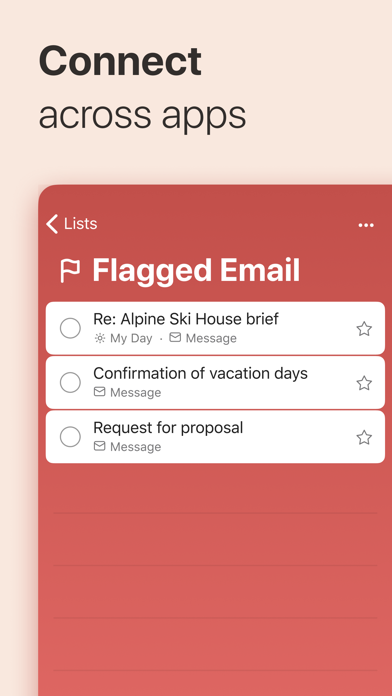
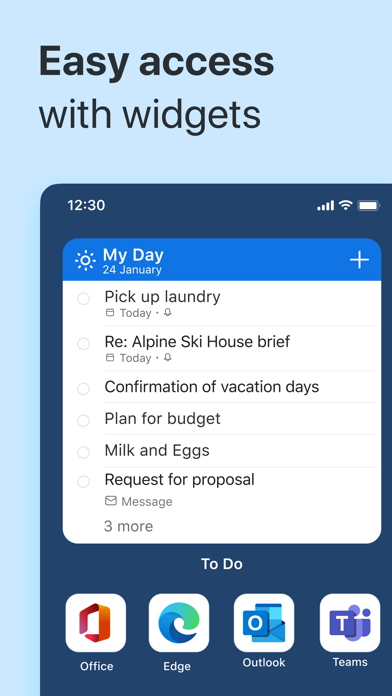
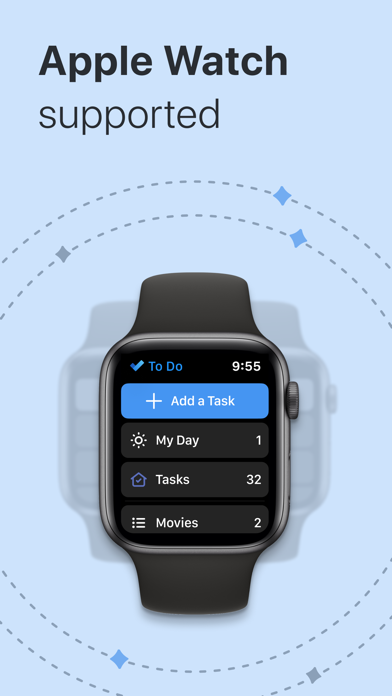
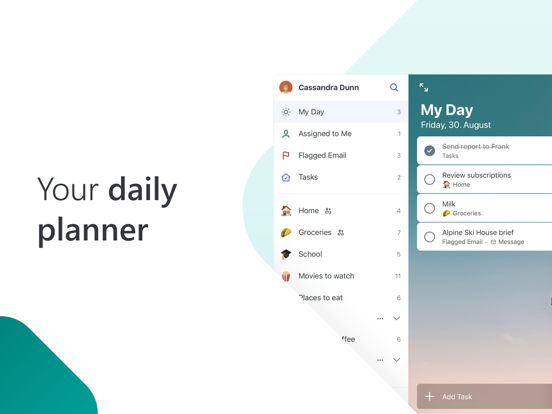
Independent evidence report
Evidence and review signals
This is where the page changes from an app-store listing into an evidence report: findings, important reviews, pricing and a dated history.
Which version this describes
When we ran this analysis, and what the store lists now.
This analysis describes version 2.177 of the app, analyzed 2026-10-05 . The app may have changed since.
The store currently lists version 2.177, updated 2026-07-06.
What we measured
Each line is a measurement published as a measurement, never a verdict.
Each line is a measurement, published as a measurement. Where we have not looked, the line says so rather than reading as a zero.
Developer replies to reviews
Replies to fewer than 1 review in 20
Price in the store description
States no price and billing period
Cancelling, in the store description
Does not say how to cancel
Themes reported by reviewers
No theme reported
Counted from the reviews we have read for this app. "No theme reported" means no theme reached our reporting threshold — it is not a finding that nothing is wrong with this app, and we do not say it is.
Five-star share of ratings
80–89% five-star
Arithmetic on the stores' own published rating counts. It says nothing about why the ratings fall where they do.
In the package we scanned
No package has been scanned for this app, so nothing is published about what it ships. That is an absence of evidence about the app, not a finding about it.
Graded bands · predicate set 1.4 · how these are measured
What the analysis found
App-specific findings, grouped by what each one rests on. How they are graded lives on its own page.
This assessment published no findings. That is a statement about what the evidence we had could show, not a clearance of the app.
Assessment & version history
App changes and Appworthy events in one timeline.
What this app sells
Useful store-disclosed pricing, kept below the app listing.
Business modelFree
Prices and terms as disclosed by the store listing.