Independent automated assessment · 3 signal sources · 500 reviews scanned · analyzed 2026-10-05.

4.6 ★15,667 ratings
—Downloads
4+Age rating
73 MBApp size
FreeIn-app purchases
About this app
The (new and improved) Original Collage & Cloning App with over 50 MILLION satisfied users!
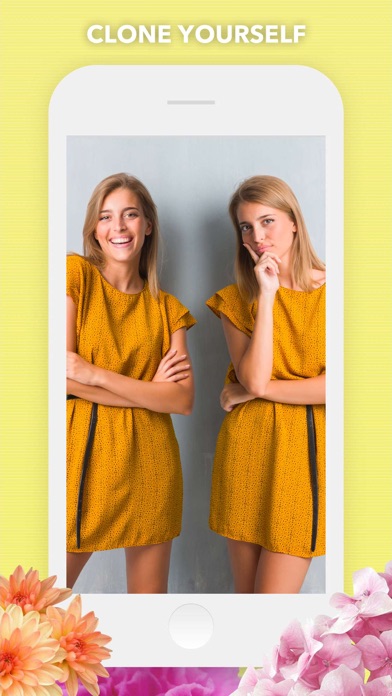
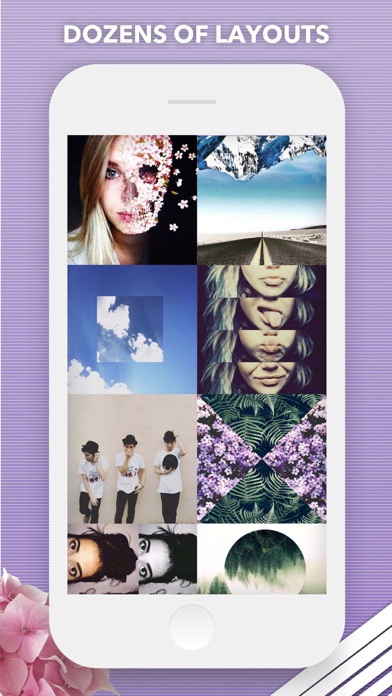
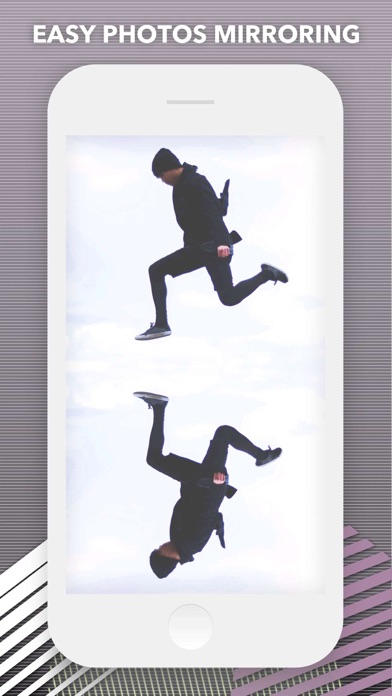
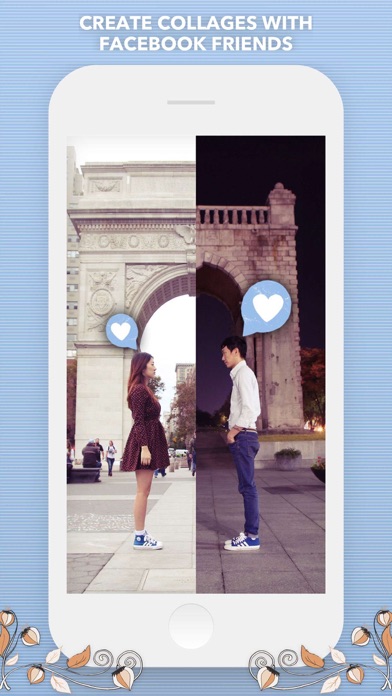
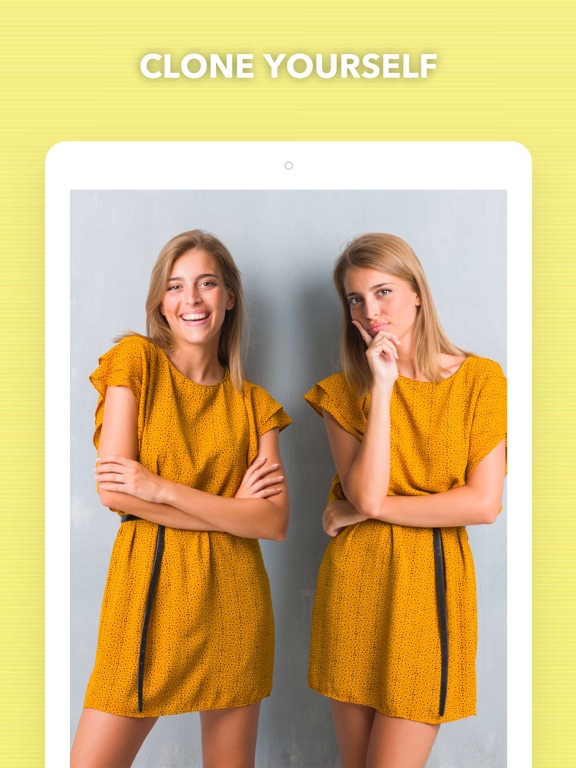
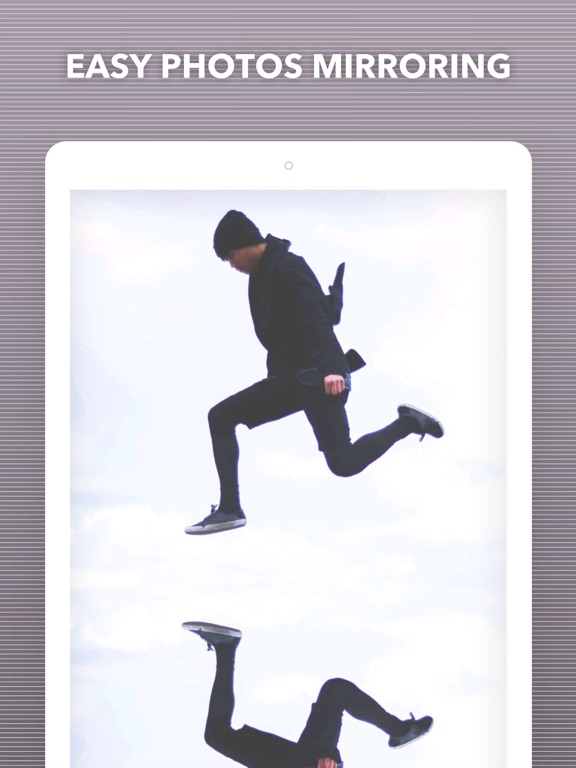
Split Pic divides your camera into several sections with several free layouts to choose from. You can choose to blend these images together creating a flawless looking special effect or make a sharp contrast between the photos to collage multiple images. The possibilities are limitless!
HOW IT WORKS:
• Select a layout • Take photos or import images from your Camera Roll. You can now choose the order you take your images and if you’re not feeling the layout no problem just press the random button to check out more layout options! • To blend or not to blend, it’s up to you! You can blend the images together to look like one photo and fool all your friends or keep the sharp contrast and show off your artistic side.…
Preview
Real screenshots from the store listing.


Independent evidence report
Evidence and review signals
This is where the page changes from an app-store listing into an evidence report: findings, important reviews, pricing and a dated history.
Which version this describes
When we ran this analysis, and what the store lists now.
This analysis describes version 6.0.13 of the app, analyzed 2026-10-05 . The app may have changed since.
The store currently lists version 6.0.13, updated 2025-04-07.
What we measured
Each line is a measurement published as a measurement, never a verdict.
Each line is a measurement, published as a measurement. Where we have not looked, the line says so rather than reading as a zero.
Developer replies to reviews
Replies to fewer than 1 review in 20
Price in the store description
States no price and billing period
Cancelling, in the store description
Says how to cancel
Themes reported by reviewers
No theme reported
Counted from the reviews we have read for this app. "No theme reported" means no theme reached our reporting threshold — it is not a finding that nothing is wrong with this app, and we do not say it is.
Five-star share of ratings
65–79% five-star
Arithmetic on the stores' own published rating counts. It says nothing about why the ratings fall where they do.
In the package we scanned
No package has been scanned for this app, so nothing is published about what it ships. That is an absence of evidence about the app, not a finding about it.
Graded bands · predicate set 1.4 · how these are measured
What the analysis found
App-specific findings, grouped by what each one rests on. How they are graded lives on its own page.
This assessment published no findings. That is a statement about what the evidence we had could show, not a clearance of the app.
Assessment & version history
App changes and Appworthy events in one timeline.
What this app sells
Useful store-disclosed pricing, kept below the app listing.
Business modelFree
Prices and terms as disclosed by the store listing.