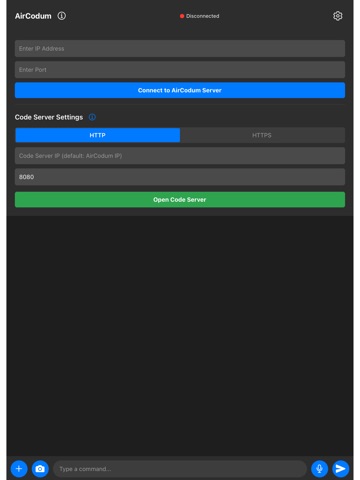
AirCodum: Remote Control for VS Code
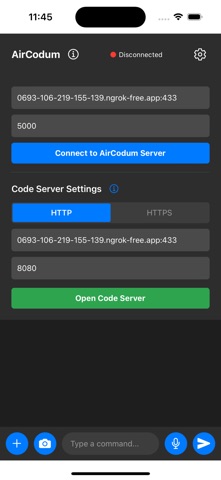
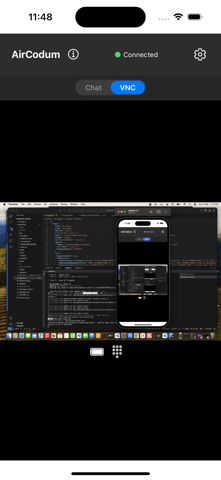
Connect your phone or tablet to Visual Studio Code on your own computer. View and control the desktop, send commands, and transfer text, images and documents into your development environment.
Features:
- Desktop viewing with pinch-to-zoom, pan, scroll, right-click and explicit drag controls.
- Saved named computers and VS Code windows with one-tap switching.
- A remote keyboard composer: edit a draft on your phone, then send it. Enter is a separate control.
- VS Code commands for navigating and editing your workspace.
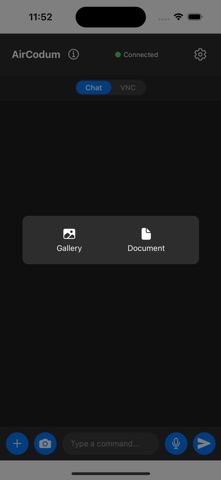
- File, image and text transfer to the selected desktop connection.
- Speech input using your device's speech recognition service.
- Optional AI and image-to-text features using the provider configured in the desktop extension.
Setup:
1. Install the AirCodum extension in VS Code.…
From the developer’s store description.
 Appworthy