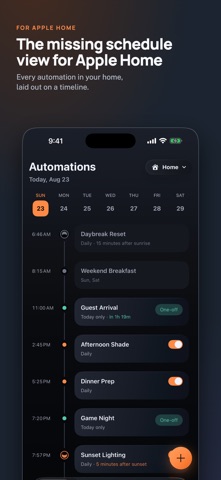
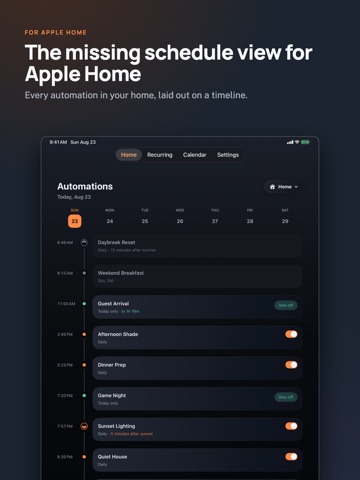
The missing schedule view for Apple Home.
Apple Home has automations. It doesn’t have a schedule.
As your home gets more automated, an alphabetical list gets harder to make sense of. Automation Schedule puts everything in time order, so you can see what’s scheduled, make changes, and add new automations.
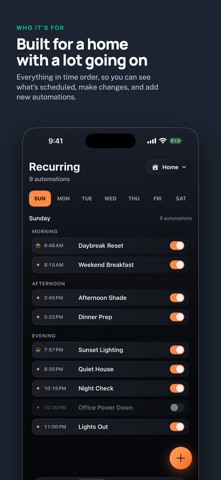
YOUR RECURRING AUTOMATIONS, IN TIME ORDER
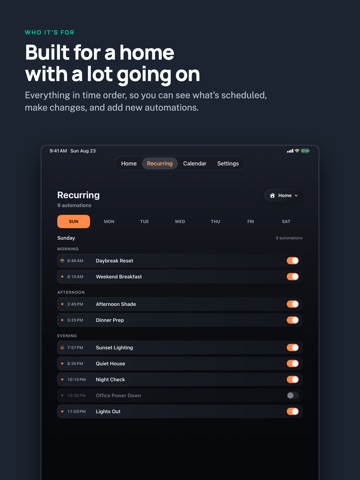
Pick a day and see every recurring automation scheduled, from morning to night.
• Edit an automation, turn it off, or add a new one without leaving the list.
• Disabled automations stay where they belong, dimmed but still visible.
• Sun-based automations appear at the actual time they’ll run.
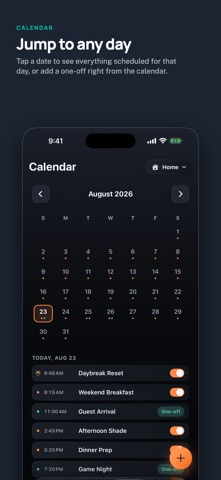
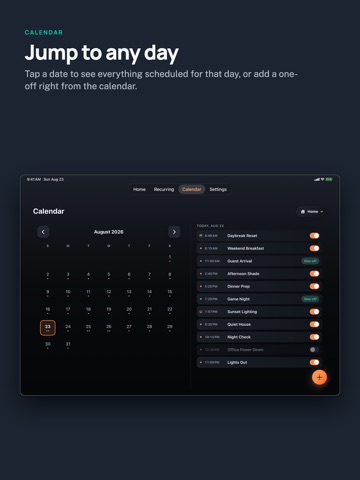
JUMP TO ANY DAY
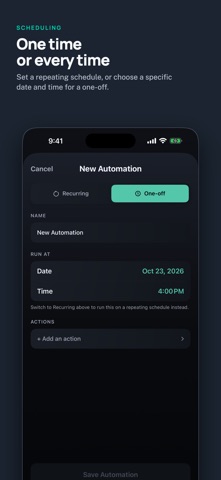
Tap a date to see everything scheduled for that day, or add a one-off right from the calendar. One-offs stand out, so they’re easy to spot among your recurring automations.
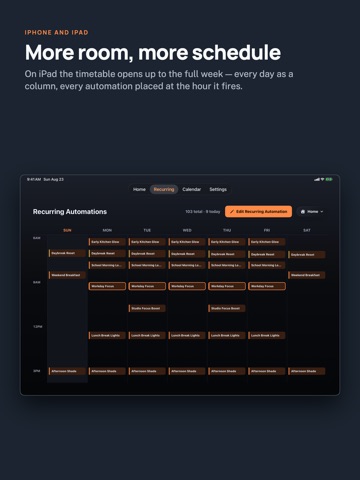
MORE ROOM, MORE SCHEDULE…
From the developer’s store description.
 Appworthy