 Appworthy
App Store
Version 8.6.1 · 2026-10-27
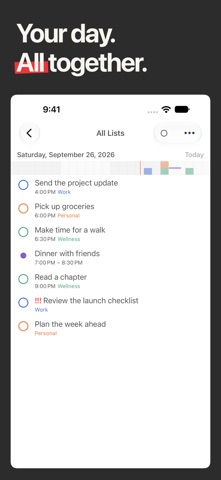
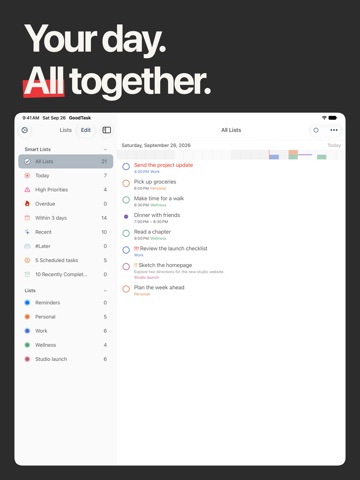
## Block Mode - See tasks and calendar events on a timeline in Today Page, Calendar Week View, Now View, and Project View. - Tap the current view's button in the View Bar again to toggle Block Mode. - You can also use the More menu in supported views, or the Block Mode button on Today Page. - Keep all-day items above the timeline and see overlapping schedules side by side. - Drag tasks and events to reschedule them. Choose Resize from an item's menu to adjust its start or end time when it has a time range. - Long press an empty time slot to add a task, calendar event, or template. - Pinch to adjust the timeline's scale. ## Block Mode Widget - View a timeline from one of your lists or Today…
Shortened here; the full notes are on the store listing.