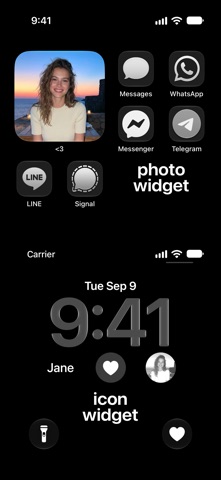
Create a shortcut widget for that one special person. Show their photo or icon in a widget on your Home or Lock Screen and, with one tap, open your conversation in the messaging app you use together.
Simple setup:
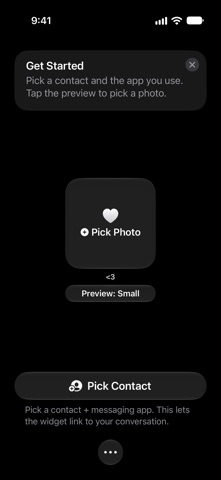
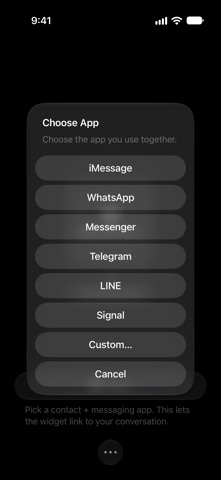
• Pick a contact + messaging app.
• Pick a photo from your library.
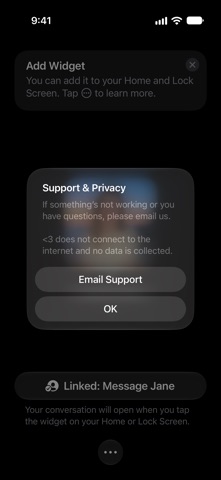
• Add the photo widget to your Home Screen and the icon widget to your Lock Screen.
• Tap the widget any time to open your conversation.
Supported apps:
• Messages (iMessage/RCS)
• WhatsApp
• Messenger
• Telegram
• LINE
• Signal
• Custom URL
Supported widgets:
• 4 photo widget sizes for your Home Screen.
• 5 icon widget styles for your Lock Screen.
• A control in 3 styles for your Lock Screen and Control Center, which you can also assign to your iPhone’s Action button.…
From the developer’s store description.
 Appworthy