 Appworthy
App Store
Version 2.4 · 2026-10-12
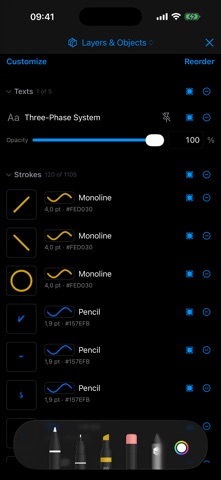
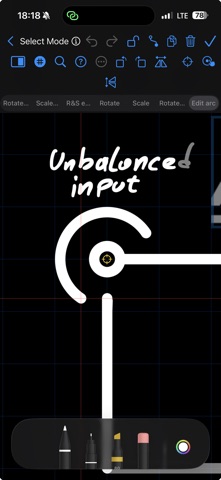
SNAP TO WHAT YOU DREW The pen now snaps to your own drawing, not only to the grid: stroke ends, midpoints and crossings, the strokes themselves, the corners, centers and edges of images and texts, and text baselines. A marker and a label show what it snapped to — even while the Pencil hovers. SNAPPING PANEL A new side panel chooses what snaps — grid, strokes, images, texts and intersections — with snap and priority distances and the indicator's colors. HELPER LINES While you drag a stroke's end, dashed lines through its original ends, or circles around the reference point, catch the pen. GRID LINE THROUGH ENDS Add a grid line through a stroke's two ends from the Layers panel or the…
Shortened here; the full notes are on the store listing.