 Appworthy
App Store
Version 3.6.21 · 2026-10-30
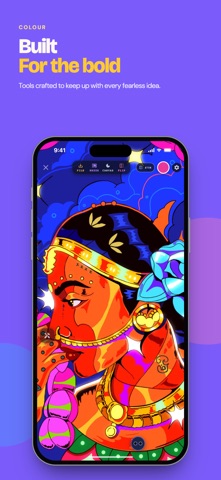
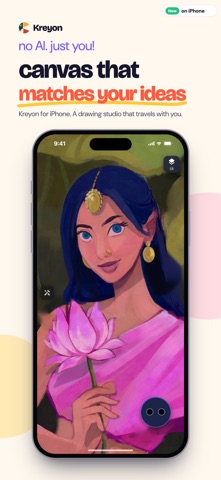
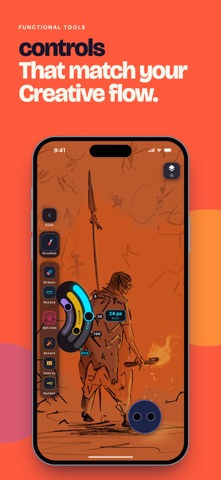
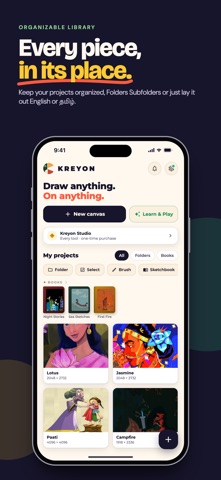
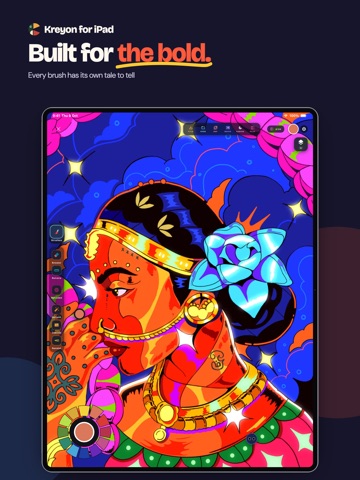
Kreyon gets a fresh new look. - Two themes: choose the new Kreyon theme, warm cream inspired by kreyon.digital, or keep Classic dark. Switch anytime in Settings and see it change instantly. - New Kreyon logo and app icon, with a playful animated welcome screen. - Redesigned library on iPhone and iPad: a big New canvas button, Learn & Play one tap away, and tidier tools. - iPhone: a compact colour picker that sits neatly under the toolbar. - iPhone: a new drawing pad for precise finger drawing. Draw on the pad and watch strokes land on the canvas, with Loupe, Cursor and Mirror modes and a pressure dial. - iPad: you can now choose to draw with your finger as well as Apple Pencil (Settings →…
Shortened here; the full notes are on the store listing.