 Appworthy
Google Play
Version varies by device · 2026-09-03
No release notes were provided for this version.
Too little checked to say Store information only. We haven’t analysed this app or read its reviews yet.
Not yet tested.
The store lists the version as varying by device, updated 2026-09-03.
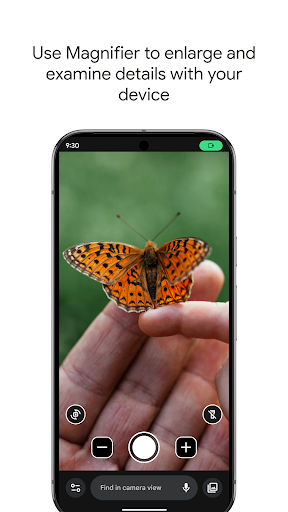
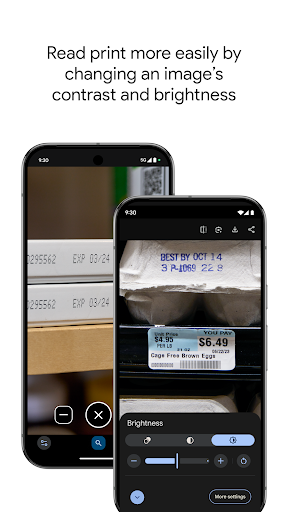
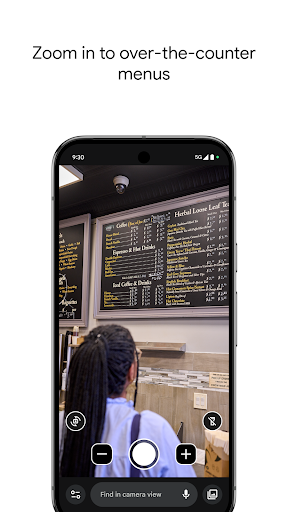
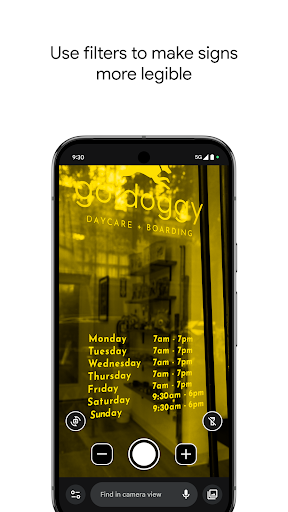
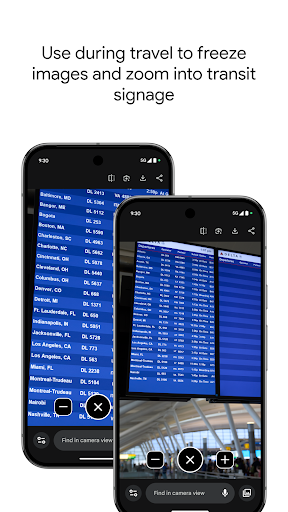
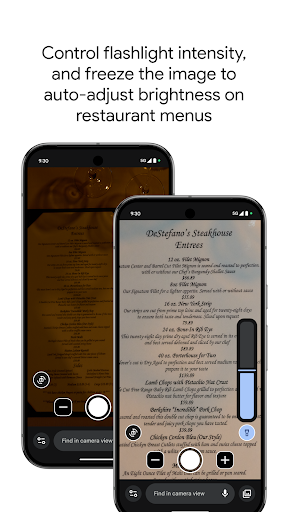
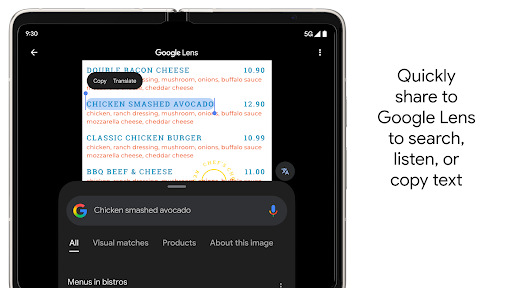
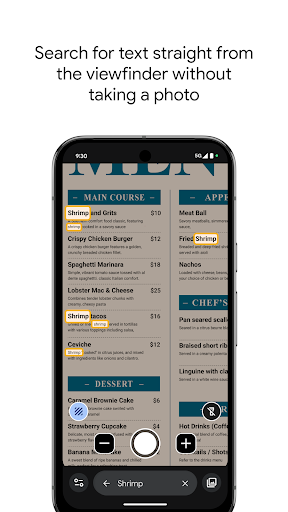
Store screenshots supplied by the developer.
Use your camera to magnify small text, see object details, or zoom in on faraway text like street signs or restaurant menus behind a service counter. Search for words before or after you take a picture to find what you need on a menu, a departure board, or anything containing text. Apply visual effects to make low contrast text more visible. In low light environments brightness is automatically adjusted. You can also take photos and zoom in as much as you need.
Get started:
1. Download Magnifier from the Play Store.
2. (Optional) Set up Magnifier to easily open via Quick tap:
a. Open your phone's Settings app.
b. Go to System > Gestures > Quick tap.
c. Turn on Use Quick tap.
d. Choose open app. Next to "Open app," tap Settings. Then select Magnifier.
e. To open Magnifier, tap twice on the back of your phone.
Magnifier requires Pixel 5 or later model.
From the developer’s store description.
For developers and the curious
The evidence, sources, measurements and versions behind every label above.
No review analysis published for this app.
“Not assessed” means we could not measure it. It is never a zero and never a pass.
No package has been scanned for this app, so nothing is published about what it ships. That is an absence of evidence, not a finding.
Supporting measurements: not a complete list of possible harms or positives. Measurement vocabulary 1.4 · how these are measured
Not yet tested. No analysis has been run for this app, so there is no version or date to report.
Each store’s release notes, as the developer wrote them. They are the developer’s words, not ours.
No release notes were provided for this version.
magnifier-google-com-google-android-apps-accessibility-magnifierWhat the stores publish. Store ratings are the stores’ numbers, not Appworthy’s, and are never averaged across stores.
No itemized purchase list is available for this listing.
Not yet tested. No analysis has been published for this app, so there is no method to describe for it yet. A missing label is not a clean bill of health: it means nothing has been read, not that nothing is wrong.
Write to [email protected], or use the form. Name the finding, the app version and the evidence that needs correcting. Factual corrections are free and never depend on buying anything.