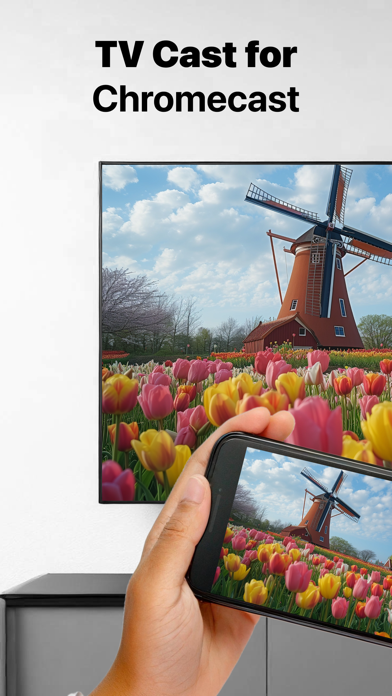
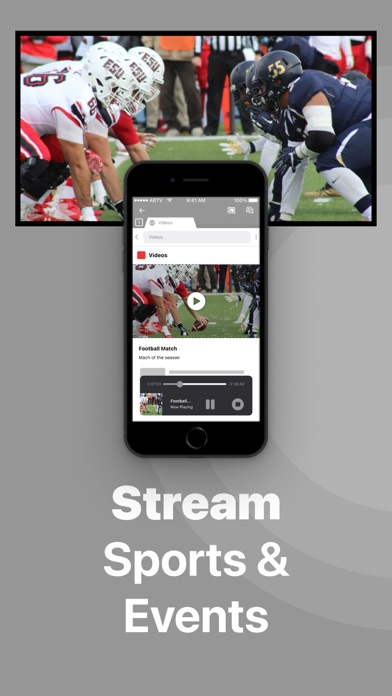
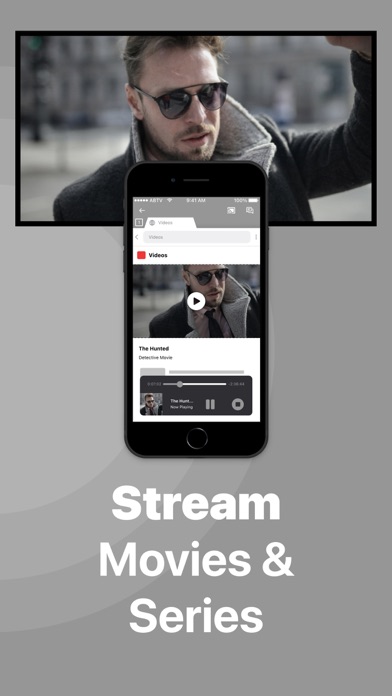
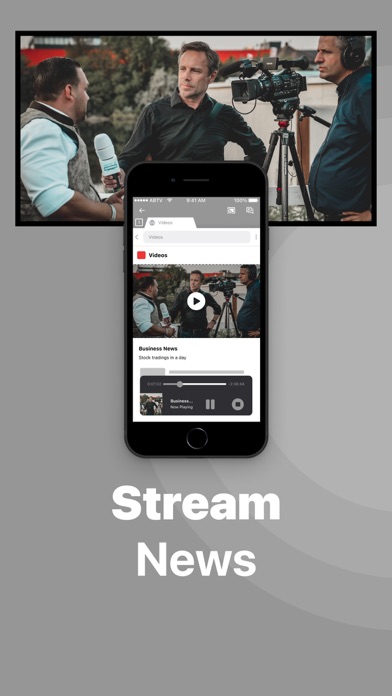
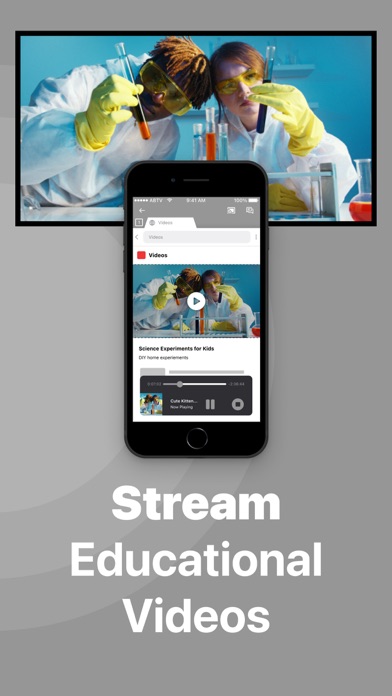
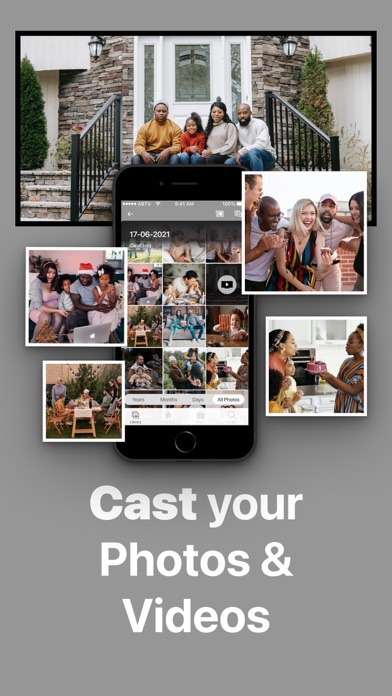
Application to mirror the screen and audio of your iPhone or iPad to a Chromecast 1, 2, 3, Ultra, or Google TV. You can mirror any app on your iPhone or iPad to your Chromecast.
In using the app, there will be a couple of seconds of latency (usually between 2 and 4). So this mirroring is not suitable for gaming.
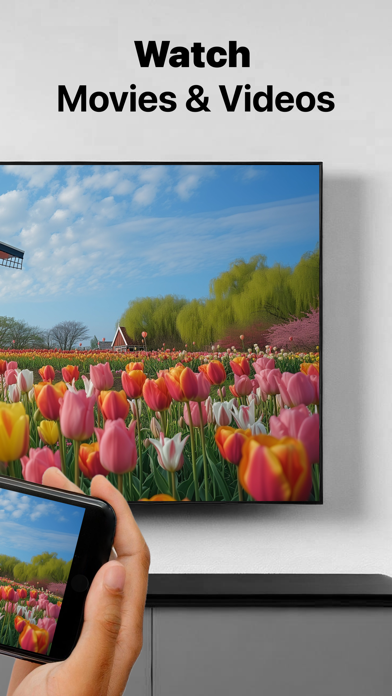
However, it is very suitable for watching movies, giving presentations, watching photos, and much more!
How the app works:
1. Make sure that your iPhone or iPad is connected to the same local network as your Chromecast. Don't use multiple VLANs or subnets.
2. Launch the Mirror for Chromecast app. It will start looking for your Chromecast devices on your local network. When a Chromecast is found, please select it.
3. Turn on notifications for this app. We will not spam you, but we will use this to let you know if your Chromecast is working correctly or not.…
From the developer’s store description.
 Appworthy