 Appworthy
App Store
Version 1.03.15 · 2026-10-17
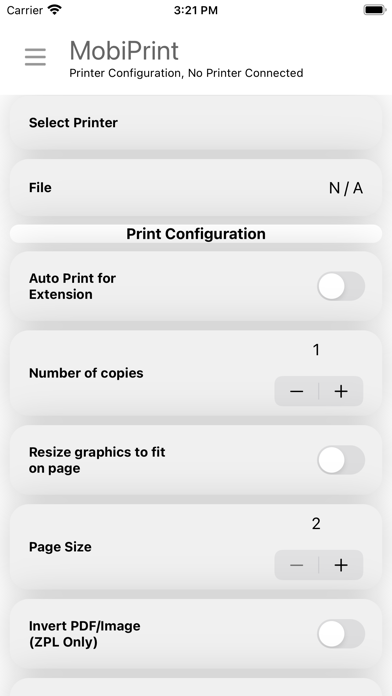
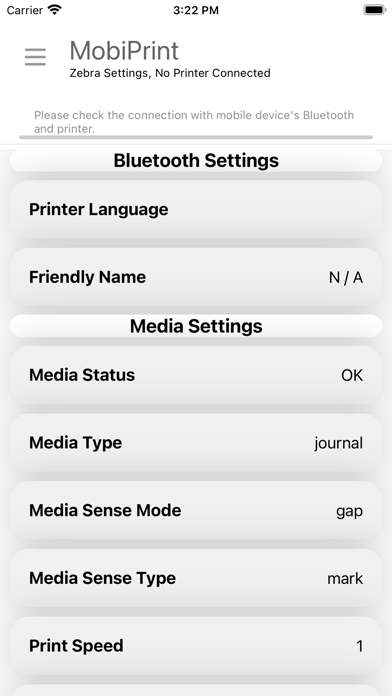
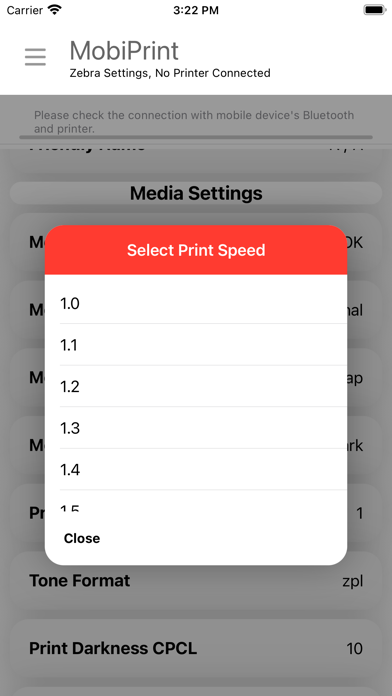
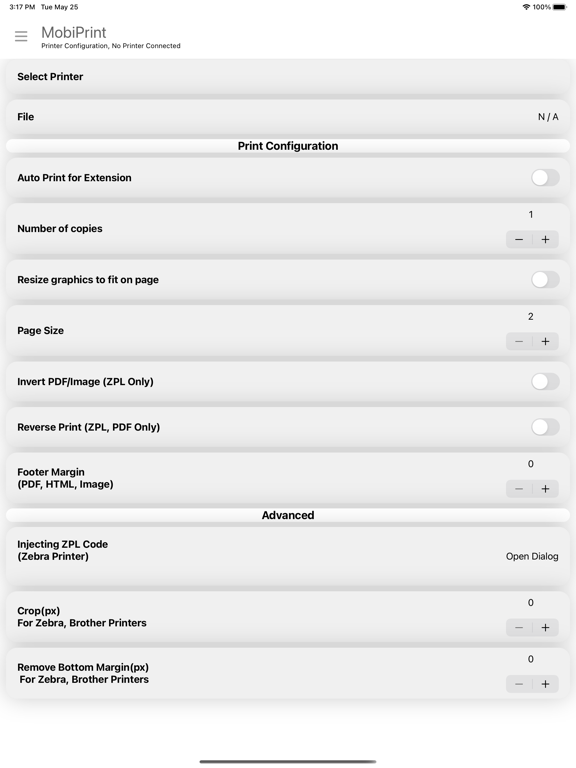
• Choose your paper — For Zebra printers, pick what's loaded: Receipt (continuous), Labels (gap), or Labels (black mark). MobiPrint sets up the printer for you. • Documents on labels — With label paper selected, PDFs and web pages print one page per label, scaled to fit, rotated when needed, and centered. • Label sizes made simple — Pick a common size (4×6 in, 2×1 in, 50×30 mm and more) or set your own with buttons. Only sizes that fit your printer are shown. • Measure paper again — The printer measures the label and MobiPrint warns you if the chosen size is too tall. • Settings per printer — Print settings are now remembered separately for each printer and no longer reset…
Shortened here; the full notes are on the store listing.