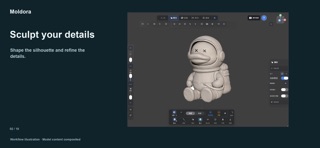
Turn a photo, sketch or illustration into an editable 3D model with AI. Create characters, figurines and creative objects, then sculpt details, paint PBR materials and render your work—all in one workspace on iPhone and iPad.
AI IMAGE TO 3D
Start with a reference image and generate a model you can keep editing. Explore characters, figurines and creative objects. You can also begin with primitives or an imported model. Guided tutorials help you find your way around the workspace.
SCULPT WITH CONTROL
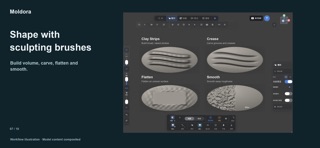
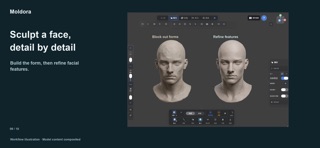
Shape your model with Clay, Clay Strips, Clay Buildup, Standard, VDM, Draw Sharp and Crease brushes. Refine with Smooth, Flatten, Polish, Scrape and Fill; adjust forms with Move, Inflate and Pinch. Masks protect areas while dynamic topology adds detail where you work.
BUILD AND SPLIT PARTS
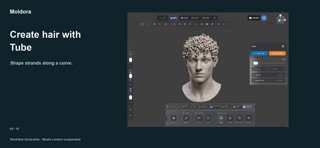
Create curved forms with Tube and rotational forms with Lathe.…
From the developer’s store description.
 Appworthy