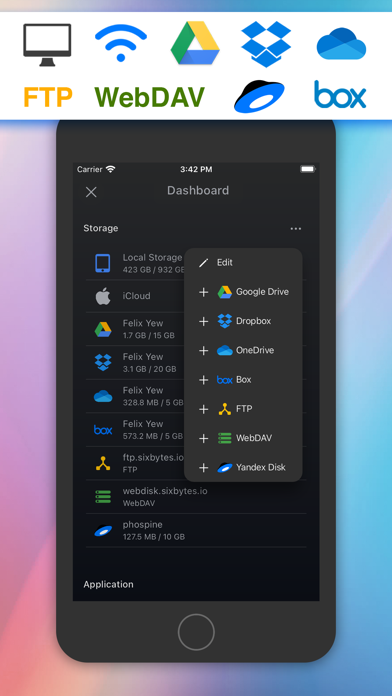
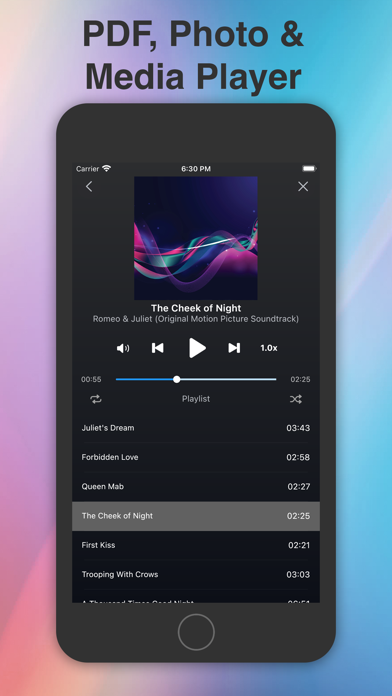
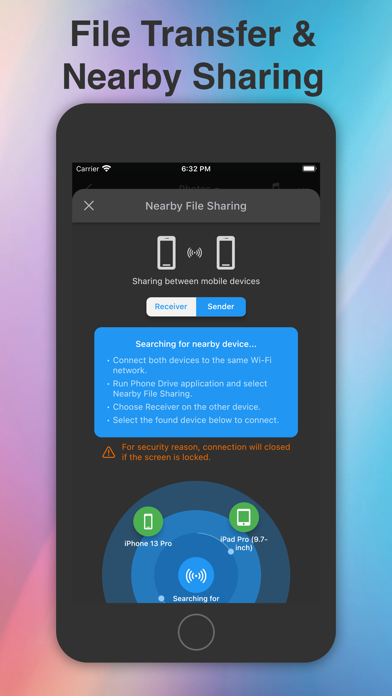
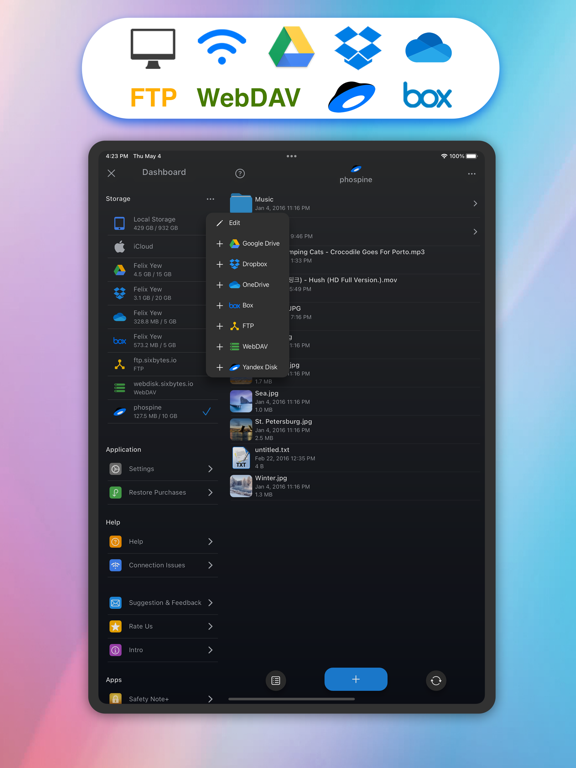
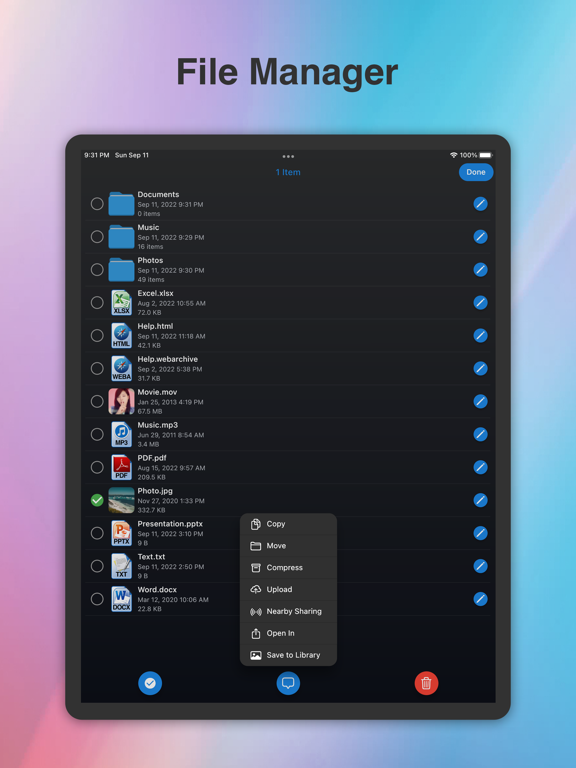
Move files between your iPhone, iPad and computer over Wi-Fi, then keep them organized in Phone Drive. Store documents, view PDFs, play music and manage local files alongside your connected cloud accounts.
TRANSFER FILES TO PC OR MAC
Connect your iPhone or iPad and computer to the same Wi-Fi network. Open the address shown in Phone Drive in your computer's web browser to upload or download files. No USB cable or separate desktop app is needed for browser transfers.
KEEP FILES ORGANIZED
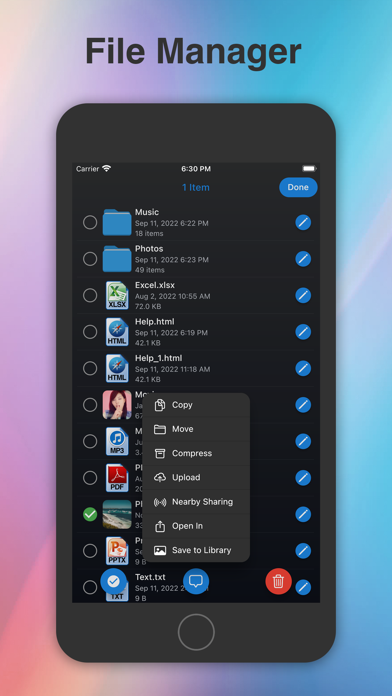
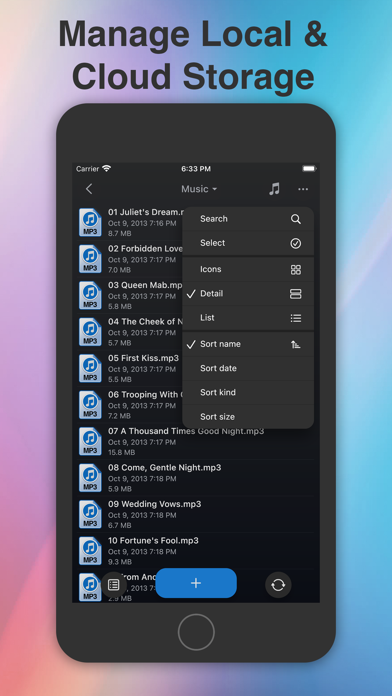
Create folders for work, study and everyday life. Copy, move, rename, delete and share files. Create ZIP archives or unzip received files, and keep the documents you need stored in Phone Drive for offline access.
VIEW DOCUMENTS AND PHOTOS
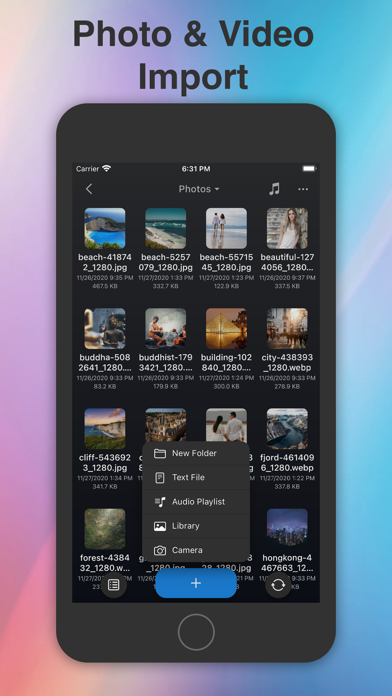
Read PDFs and preview supported Word, Excel, PowerPoint, Pages, Numbers and Keynote files. View images and text files in the app.…
From the developer’s store description.
 Appworthy