GET STARTED IN UNDER A MINUTE
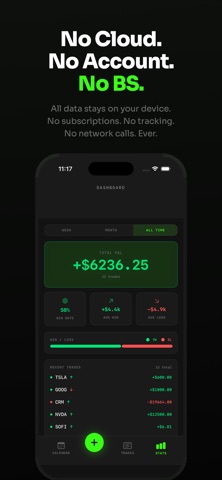
1. Open Vault. No sign-up, no account, no setup.
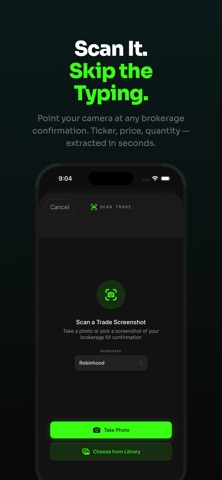
2. Tap + and choose "Scan a Screenshot."
3. Pick your brokerage confirmation from Photos or snap it with your camera.
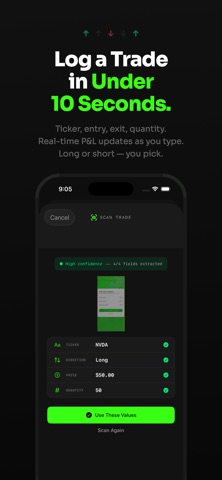
4. Check the ticker, side, price and quantity Vault fills in, tell it whether the trade opened or closed a position, and tap Save.
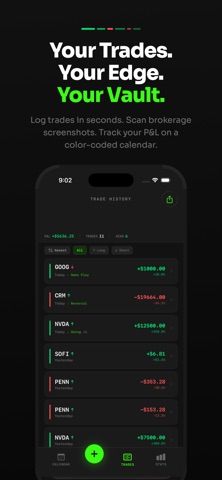
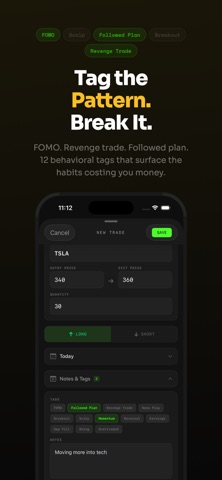
5. Add a tag like FOMO or Followed Plan so you remember why you took it.
Your first 2 trades are free, with every feature unlocked, so you can see exactly how Vault works before you pay anything.
LOG A TRADE IN SECONDS, NOT MINUTES
Stop typing numbers from one app into another. Vault reads your brokerage confirmation on your device and fills in the ticker, buy or sell, fill price and quantity for you. Works with Robinhood, Webull, Schwab, Fidelity, E*TRADE and more.…
From the developer’s store description.
 Appworthy