 Appworthy
App Store
Version 1.1.0 · 2026-10-26
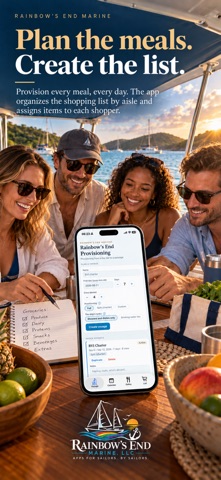
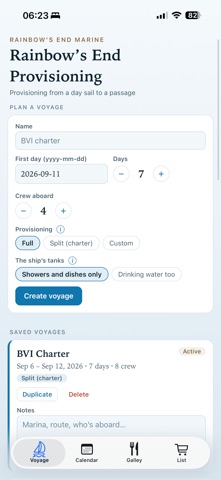
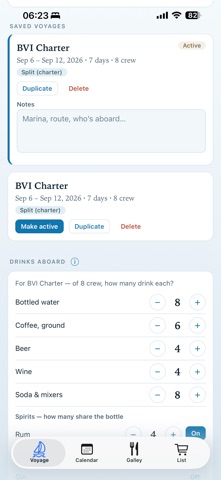
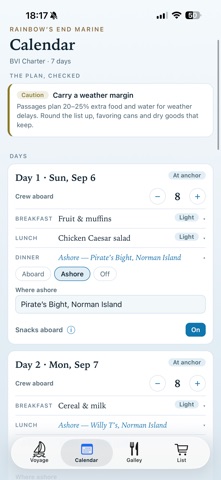
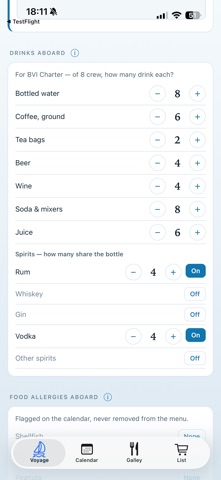
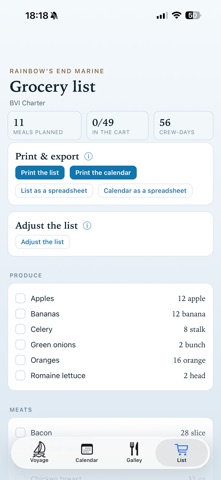
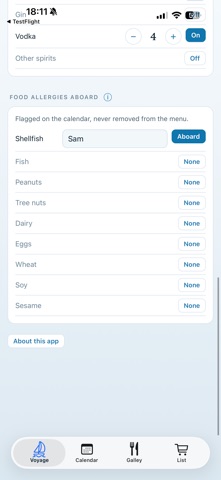
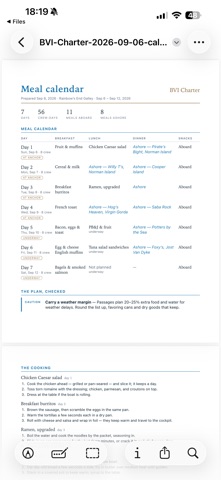
Opens on the voyage you’re on. During the voyage, the Voyage tab shows the day and today’s meals, and the Calendar opens on today. Open a meal for its amounts for that day’s crew and its cooking steps. Try a sample voyage: a week’s charter for six, already planned, to see how the calendar becomes the grocery list. On the iPhone, the grocery list comes first. The cart remembers how many went in: if the plan grows, the line comes back with what is still to buy. Meals aboard that aren’t planned are counted, since they buy nothing. Change a voyage after you make it: the name, the first day, the number of days and the crew every day. Dates are set with − and +, on your phone’s own date.…
Shortened here; the full notes are on the store listing.