 Appworthy
App Store
Version 1.0.15 · 2026-10-26
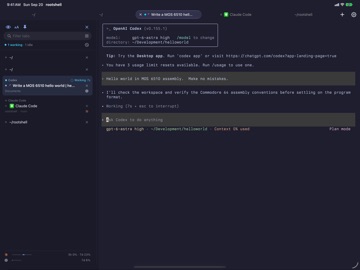
Detached Keyboard & iPhone Duo - Float the built-in Terminal Keyboard over the terminal on iPhone. Long-press the keyboard switch key and choose Detached; drag the ellipsis handle to move it. - Placement and position are remembered after relaunch. On iPad, the menu is available with Use System Detached Keyboard off. - On iOS 27.1 and later, the docked terminal keyboard splits around iPhone Duo's fold, with a space bar on each side. Toolbar buttons and swipe pages also avoid the fold. The floating keyboard settles clear of it where space allows. - Fixed iPad system detached keyboard dragging, resizing and drawer clipping, plus full-width keyboard flashes when focusing terminals or switching…
Shortened here; the full notes are on the store listing.