 Appworthy
App Store
Version 1.3 · 2026-10-09
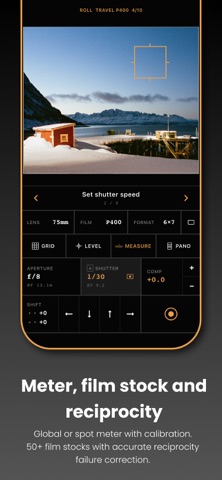
• Frames mode: tap FRAMES in the lens menu to see a rangefinder-style bright line for every lens in your kit, with the active one in orange. • The right lens for the shot: the viewfinder now frames through the sharpest back camera that holds your crop (ultra-wide, wide or tele), so long lenses look crisp. You can pin a lens in Settings (iPhones with LiDAR). • Telephoto spot meter: spot readings go down to 1° through the telephoto, with a circle drawn at the exact metered size (Pro). • Multi-point meter calibration: calibrate against your reference meter at several light levels, per lens, for readings that stay accurate from shade to sun. • Lens framing calibration: fine-tune each back…
Shortened here; the full notes are on the store listing.