 Appworthy
App Store
Version 1.4 · 2026-09-05
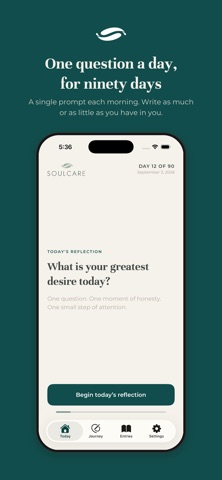
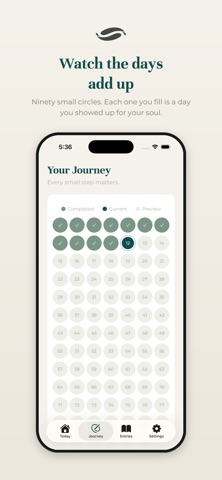
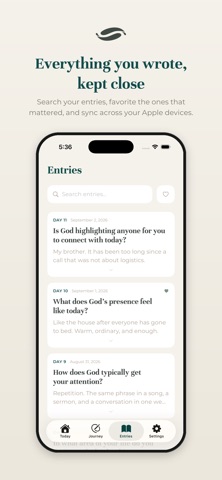
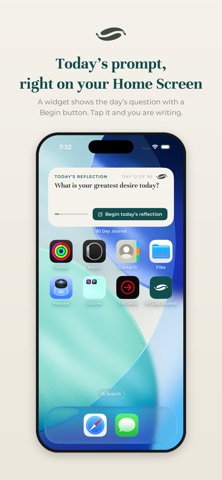
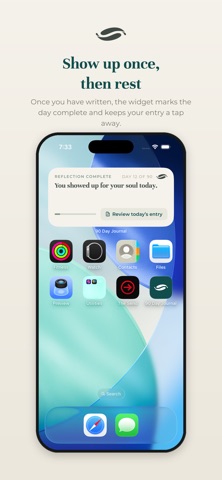
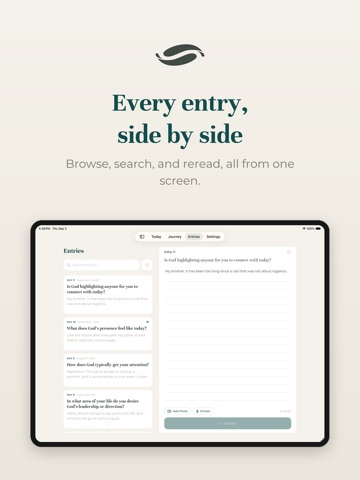
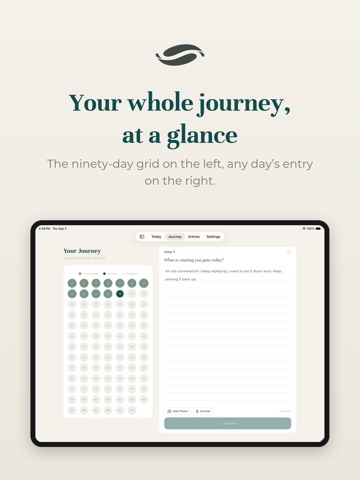
This update brings the journal to iPad and to your Home Screen. iPad: the journal now uses the whole screen. On Today, the prompt sits beside the page so you read and write in one place. Journey and Entries open as split views, with the grid or the list on the left and the day you choose on the right. Widgets: a Today's Reflection widget shows the day's prompt with a Begin button that takes you straight to the page. Once you have written, it changes to a completed state with a button to review your entry. Lock Screen versions are included. iCloud sync: turn it on in Settings, or during setup, and your entries stay backed up and available on your other Apple devices. Text only for now.…
Shortened here; the full notes are on the store listing.