 Appworthy
App Store
Version 5.3.0 · 2026-10-23
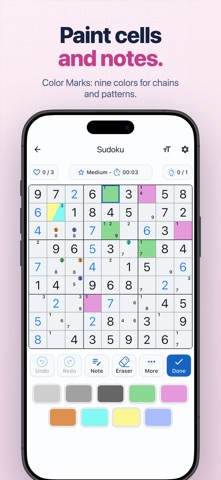
Corner + Center notes: a second layer of notes, the way experienced solvers use them, free for everyone. Center notes say what a cell can be, and corner notes say where a number can go in its box. Choose Corner + Center in Settings › Game Settings › Note Style, and a Corner button is added to the toolbar. Classic notes stay the default. Sound: optional game sounds, off until you turn them on in Settings › Game Settings › Sound. Choose a pack (Soft, Clear, or Flow, where every digit plays its own note) and one of its four instruments. The first instrument in each pack is free, and the other three come with Pro. Pick which moments make a sound and how loud. Your own music keeps playing, and…
Shortened here; the full notes are on the store listing.