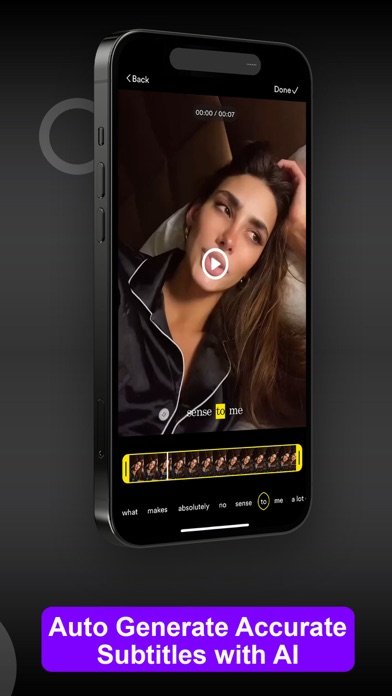
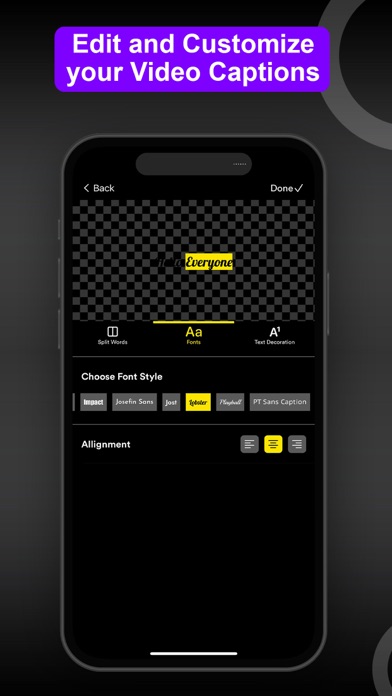
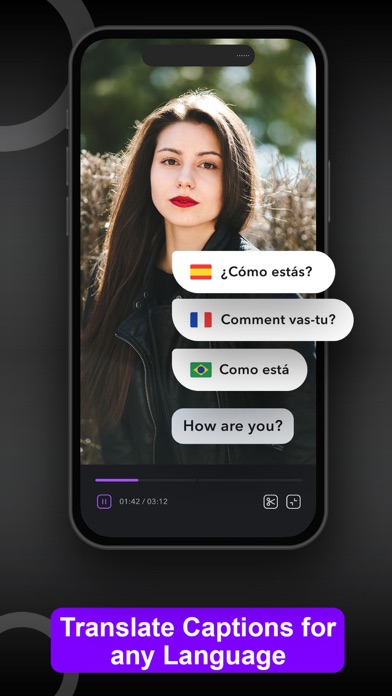
StoriesStudio AI Video Editor allows you to easily add beautiful closed captioning and subtitles to your videos in seconds.
Here's how StoriesStudio AI works:
1. Simply upload your video in the StoriesStudio app
2. Tap the "Add Closed Captioning"
3. StoriesStudio will automatically add captions to your video
That's it. You no longer have to spend countless hours matching up your text with your words in videos... StoriesStudio does this for you in seconds.
StoriesStudio is not officially associated with Instagram, Snapchat, WhatsApp, Facebook, or TikTok.
————————————————————
StoriesStudio Premium policy:
Once you sign up to StoriesStudio Premium, you will have full access to all of StoriesStudio's features.
You can cancel your subscription any time and you will be sent a reminder before your StoriesStudio subscription begins after your trial.…
From the developer’s store description.
 Appworthy