 Appworthy
App Store
Version 2.1.4 · 2026-10-26
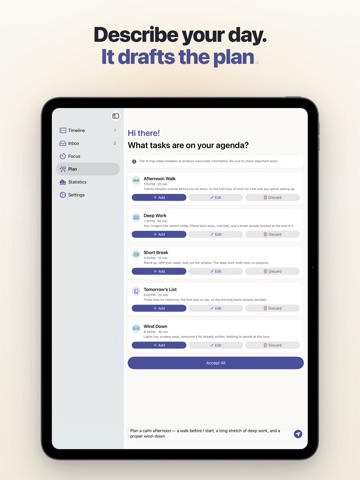
PLAN, A CARD OVER YOUR DAY Hold iPhone Duo open sideways, and Plan floats as a glass card over your day, the way a card floats over the map in Maps. Your day stays in view beside it, and the box where you type sits at the foot of the card. EVERY TAB READY AS YOU OPEN IT Open iPhone Duo on any tab, and the screen is ready straight away: the Begin button stays at the bottom of Focus, and the round Plan button settles into place. SMALLER TOUCHES ON IPHONE DUO A task you open beside the timeline now runs to the bottom of its page, under its two buttons. Hold iPhone Duo open upright, and Settings shows the setting you picked, with a sidebar button to bring back the list, as Apple's Settings…
Shortened here; the full notes are on the store listing.