 Appworthy
App Store
Version 3.0.0 · 2026-10-26
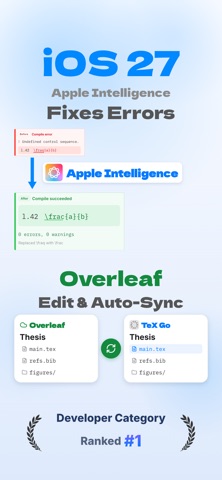
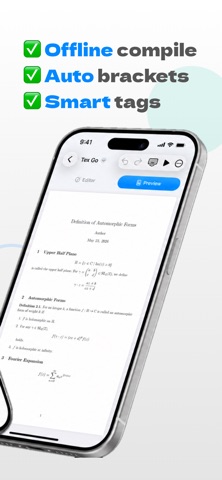
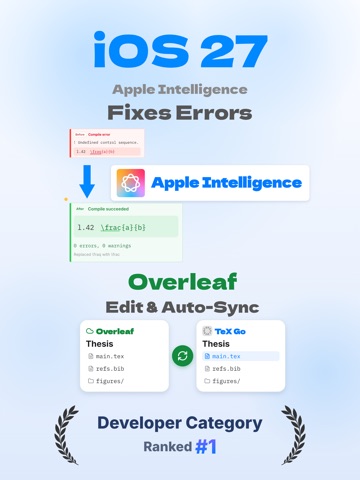
TeX Go 3.0. You can now edit Overleaf projects on iPhone and iPad and keep them in sync. Sync works only when the project owner has a paid Overleaf plan. • Save a Git authentication token, paste a project URL, and the whole project is imported as a folder • While a project is open, edits are sent to Overleaf automatically, and Overleaf’s changes are pulled in every 1, 5, or 15 minutes (you choose). Sync Now is there when you can’t wait • If the same file changes on both your device and Overleaf, both versions are kept. Overleaf’s version is saved as a copy marked “(Overleaf)” • Imported projects compile on your device The support page and privacy policy now live on our new site,…
Shortened here; the full notes are on the store listing.