 Appworthy
App Store
Version 2.1.1 · 2025-10-07
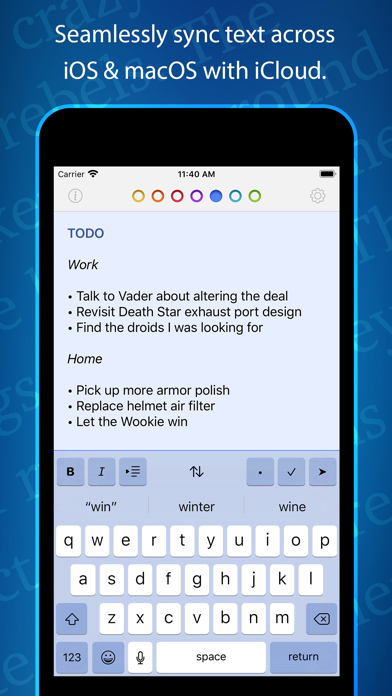
Action to toggle the formatting bar on/off, added a new rich text font choice, fixed What’s New appearing when it shouldn’t plus fixed some Tahoe bugs. All: • Tot’s What’s New view no longer appears when there’s nothing new • Added "System (Monospaced)" as a rich text font choice iOS: • Added a toggle to turn Tot’s formatting bar on/off: - Tap the Actions Menu (⋯) and toggle Format Bar - Increases editing area on smaller devices • Fixed an issue with Compact Dots button not working macOS: • Added “Display as Floating Window” back to menu bar: - Shift-Command-F is default keyboard shortcut - You can override shortcut in System Settings • Added a partial workaround for bug…
Shortened here; the full notes are on the store listing.