 Appworthy
App Store
Version 6.7 · 2026-10-25
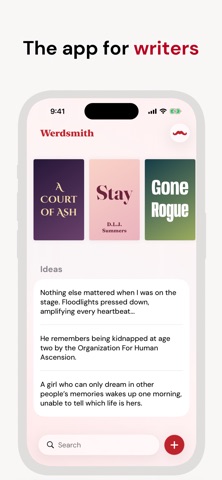
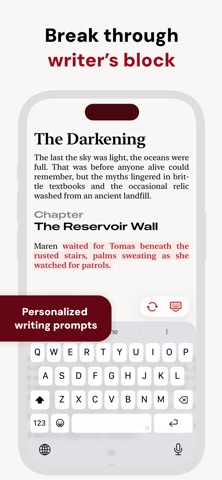
You can now create a cover for each of your projects. Covers make your projects feel more real, and help you easily identify them in your projects list. Pick colors, fonts and layouts to match whatever you're writing. To create a cover, open your project, tap the "..." menu, then choose "Cover". This feature is free for all users. We've also changed how prompts work when you start a new project. Now for blank documents, the prompt button looks like a dice. Press that button to get a random word of inspiration, and optionally set yourself a timer to write non-stop using that word as a starting point. This is a great way to get something on the page. This feature is free, doesn't affect…
Shortened here; the full notes are on the store listing.