 Appworthy
App Store
Version 6.0 · 2026-09-18
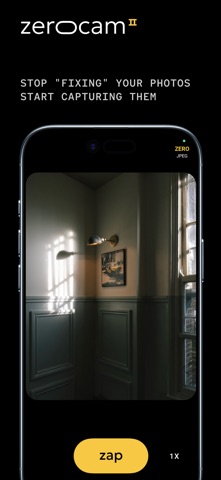
PRO mode Set ISO, shutter speed, exposure, white balance and focus yourself, right on the viewfinder — in the app and from the lock screen. Turn it on from the menu. Focus, tracking, zebras and peaking Tap to focus, long-press to follow a moving subject, or focus by hand. Zebras warn you before highlights clip, and peaking shows what's sharp. Your photos, one tap away Tap the thumbnail and your latest photo grows out of it to fill the screen, with a film strip of the rest underneath. Swipe through them, pinch to zoom, and swipe up or down to put it back. Delete, with undo Tap the bin and the photo is gone from view. Undo and redo as often as you like, or shake to undo. Nothing is deleted…
Shortened here; the full notes are on the store listing.